PLACEMENT TEST HEAD-TO-HEAD
GlockApps vs MailReach for inbox placement testing
 vs
vs
If the placement test is the purchase, GlockApps is the dedicated instrument: plans sold by test credit, a free tier, DMARC analytics in the same account. MailReach's tester is a lighter reading bundled with per mailbox warmup, with a free allowance of 3 tests a day. Buy GlockApps to diagnose before paying for warmup. Use MailReach's tester if you already warm with MailReach.
Our pick for most readersGlockApps
Our pick when the test is the thing you are buying. Plans are sold by test credit with DMARC analytics included, and a free tier lets you run a first diagnosis before any subscription.
Free plan, paid from $59/mo · Free tier, 2 testsSee GlockAppsPick it ifMailReach
Pick it if you already warm mailboxes with MailReach. Each warmed mailbox includes 20 spam test credits, and the free allowance covers an occasional check without an account decision.
From $19.50/mo · No free plan, paid per mailboxSee MailReachTwo tests that answer the same question at different depths
Both tools run the same kind of measurement: you send one message to a list of addresses the vendor owns, the seed list, and each seed reports the folder the copy reached. Neither reads your real recipients. What differs is what surrounds that reading and how the product is sold.
| At a glance | GlockApps | MailReach |
|---|---|---|
| Positioning | Inbox placement and spam testing suite (Inbox Insight) that shows where a seed email lands across providers, with DMARC analytics. | Automated email warmup with a built-in spam and inbox placement tester, priced per mailbox, for cold email and agency senders. |
| Plans | Free: free Essential: $59/mo Growth: $99/mo Enterprise: $129/mo | All-in-one warmup: $19.50/mo Spam tester: custom |
| Entry price | free plan, paid from $59/mo | from $19.50/mo |
| Billing notes | Plans are sold by spam test credits; annual billing is advertised at about 30% off. A free tier includes 2 tests. | Warmup is priced per mailbox; annual billing is advertised at 20% off. Spam tests are sold as credit packs on top. |
Amounts come from each provider's official pricing page and can change: the official GlockApps pricing page · the official MailReach pricing page.
GlockApps is a testing suite first. Its pricing page lists Inbox Insight and DMARC Analytics on every plan, and sells plans by spam test credits. MailReach is a warmup service first. Its tester is described on its own page as a check across 30+ different mailboxes, including Gmail, Outlook, Google Workspace and Office 365 (MailReach, email spam test, read on ).
Both reports show
- Where each seed copy landed, grouped by provider
- SPF, DKIM and DMARC results for that send
- A blocklist lookup and content checks on the message
Neither report shows
- What your real recipients saw, since seeds never open, reply or complain
- Whether a later change caused a better result
- How the next send, on another message, will land
What each report puts in front of you
Read the two free entry points side by side, because they are the fastest way to see the difference without paying.
| Element of the test | GlockApps | MailReach |
|---|---|---|
| Folder reported per seed | Inbox, Tabs, Spam or Missing | Inbox placement location across providers |
| Authentication checks | SPF, DKIM, DMARC | SPF, DKIM, DMARC |
| Content and reputation checks | SpamAssassin score, sender IP blocklists, content and HTML issues | Spam score, blacklists, links, HTML, image to text ratio, spam words |
| Seed list size | Unknown, not stated on the pricing page or the free checker | Stated as 30+ mailboxes |
| Free allowance | Free tier with 2 test credits | Up to 3 tests per 24 hours |
| DMARC aggregate analytics | Included on every plan | Not part of the tester |
Sources: GlockApps, free spam checker and GlockApps pricing; MailReach, email spam test. All read on .
The Tabs line matters more than it looks. A copy that reached Gmail's Promotions tab is in the inbox for a filter and out of sight for a reader, so a report that separates the two gives you a more honest split. The seed size matters too: the precision of any provider share depends on how many seeds sit in that group, which is why reading a placement test starts with the sample, not the headline number.
How many tests you get, and what one costs
GlockApps sells tests in bulk. Its Essential plan is $59 per month for 360 spam test credits, Growth is $99 per month for 1,080, and the free tier includes 2. MailReach includes 20 spam test credits with each warmed mailbox at $19.50 per month, and sells extra credits in packs; the example on its pricing page was 200 credits for a pack price read on . MailReach states that 1 spam test credit = 1 inbox placement test. Set against warmup billed per mailbox, those credits change the total; our breakdown of what email warmup and testing really cost puts both units on one page.
| GlockApps | Free | Essential | Growth | Enterprise |
|---|---|---|---|---|
| Price | free | $59/mo | $99/mo | $129/mo |
| Billed annually | · | $708/yr | $1,188/yr | $1,548/yr |
| Spam tests | 2 | 360 | 1,080 | 1,800 |
| Seats | 1 | 1 | · | up to 10 |
Plans are sold by spam test credits; annual billing is advertised at about 30% off. A free tier includes 2 tests. Current amounts: the official GlockApps pricing page.
Two consequences follow. At the published rates, a test bought through GlockApps' Essential plan costs roughly a sixth of a test bought through MailReach's 200 credit pack example. And the MailReach credits are only cheap if you were going to pay for the warmup anyway: bought for testing alone, the per mailbox subscription is a warmup bill with a tester attached.
Which one to run, depending on where you are
- You do not know yet whether warmup is the problem. Run a free test on either tool, then read the authentication lines before the folder split. If SPF, DKIM or DMARC fail, no warmup purchase will fix it. The decision tree in warmup or placement testing walks through the branches.
- You need repeated evidence across many mailboxes or clients. GlockApps' credit plans are built for volume, and DMARC analytics adds a reading of real recipient traffic that no seed list gives you.
- You already pay MailReach to warm mailboxes. Use the included credits before buying a second tool. Keep the same message and the same seed list for every reading, otherwise two tests are not comparable.
- You are running a warmup pilot. Measure both arms with the same instrument, start and end. Mixing GlockApps readings for one group and MailReach readings for the other destroys the comparison. The design is in the warmup pilot protocol.
What neither test can tell you
A placement test reports where seed copies of one message landed, at one moment. It does not tell you what happened in your recipients' inboxes, and a better result after a change does not prove the change caused it: the filters, your lists and your volume all moved in the meantime. Neither vendor guarantees a deliverability rate, and no test can. Treat a weak result as a diagnosis to act on, and a good one as a reading to repeat, not a certificate.
Our notes on each product: the GlockApps guide and the MailReach guide.
What the two products actually look like
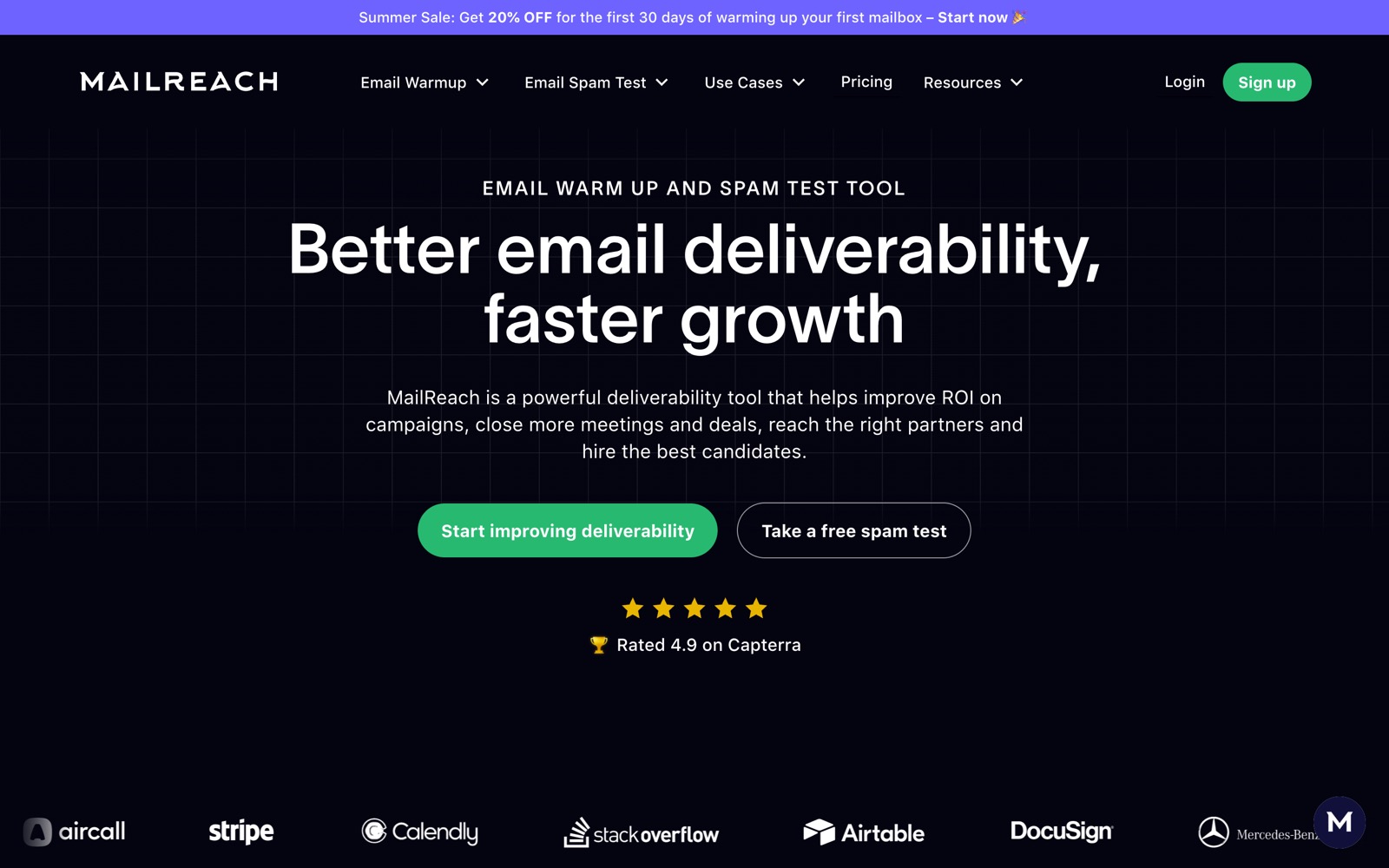
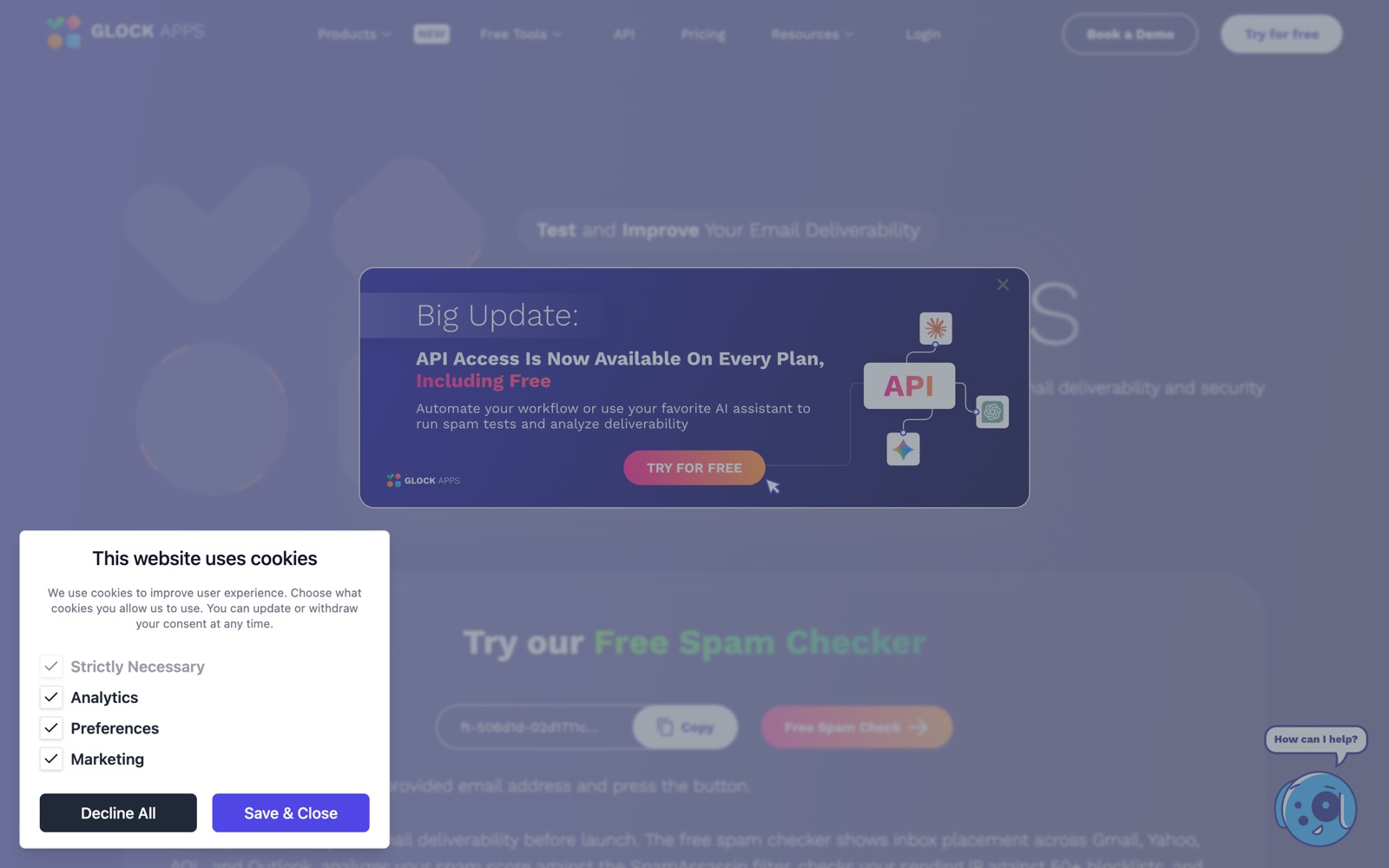
Questions people also ask
Is GlockApps more accurate than MailReach's tester?
Nobody can show that. Neither vendor publishes a reproducible accuracy measurement, and the seed lists differ, so the two tools can report different splits for the same message without either being wrong. What can be compared is documented: what the report contains, how large the seed list is stated to be, and what a test costs. Pick one instrument and keep it for every reading you want to compare.
Can I test for free before paying?
Yes. GlockApps' free tier includes 2 test credits, and MailReach states its tester is free for up to 3 tests per 24 hours. That is enough for a first diagnosis, and often enough to learn that the real problem is authentication, which neither tool fixes.
Do I need both?
Rarely. If you warm with MailReach, its included credits cover routine checks. If you need volume testing across many clients or DMARC analytics, GlockApps covers the testing side and you are free to warm with any tool. Running both on the same send only produces two numbers you cannot reconcile.
Does a good placement score mean my campaign will land in the inbox?
No. The score describes seed copies of one message at test time. Real recipients engage, ignore and complain, and filters weigh that behaviour. Use the test to catch configuration and content problems, and read bounces and DMARC reports for what real traffic did.