WARMUP HEAD-TO-HEAD
Instantly vs MailReach
 vs
vs
These are not the same purchase. Instantly is a cold email sending platform with unlimited accounts and unlimited warmup inside the plan. MailReach sells warmup per mailbox next to a spam and placement tester, and it does not send your campaigns. Pick Instantly if you need the sending platform anyway. Pick MailReach if you are keeping your current one, or you want placement evidence in the same login.
Pick it ifInstantly
Pick it when you are buying the sending platform too. Warmup and email accounts are unlimited inside the plan, so the warmup line on the invoice disappears.
From $47/mo · Warmup bundled with sending plansSee InstantlyOur pick for most readersMailReach
Our pick for most readers of this page, because most of them already send from somewhere and only want the warmup and the evidence. Billed per mailbox, with spam test credits included.
From $19.50/mo · No free plan, paid per mailboxSee MailReachThe two products do different jobs, and only one of them overlaps
Read the two positioning lines next to each other before comparing any price. Instantly is described on its own site as a cold email platform that bundles unlimited email accounts and unlimited warmup into its sending plans. MailReach is described as automated warmup with a built-in spam and inbox placement tester, priced per mailbox. The overlap is warmup. Everything else is a different purchase.
| At a glance | Instantly | MailReach |
|---|---|---|
| Positioning | Cold email sending platform that bundles unlimited email accounts and unlimited warmup into its sending plans. | Automated email warmup with a built-in spam and inbox placement tester, priced per mailbox, for cold email and agency senders. |
| Plans | Growth: $47/mo Hypergrowth: $97/mo Light Speed: $358/mo | All-in-one warmup: $19.50/mo Spam tester: custom |
| Entry price | from $47/mo | from $19.50/mo |
| Billing notes | Warmup is bundled into the sending plans, not sold separately; annual billing lowers the monthly rate. | Warmup is priced per mailbox; annual billing is advertised at 20% off. Spam tests are sold as credit packs on top. |
Amounts come from each provider's official pricing page and can change: the official Instantly pricing page · the official MailReach pricing page.
Which means the honest question is not which warms better. Nobody publishes a comparable measurement of that, and we are not going to invent one. The question is which one you end up paying for once your sending stack is settled.
Instantly replaces
- Your cold email sending platform, sequences included
- A separate warmup subscription, since warmup is bundled
- Per mailbox warmup billing, since accounts are unlimited on the plan
Instantly does not replace
- An inbox placement tester with a documented seed list
- List verification before you send to a cold list
- Your mailbox provider, which still applies its own sending limits
Setup: what you connect, and what you hand over
Both tools need access to the mailboxes. That is the part worth reading closely, because it is the part you have to undo later if you change your mind.
- MailReach. You connect each mailbox you want warmed, one subscription per mailbox. The warming traffic is sent from and received by that mailbox. Adding a mailbox adds a line to the bill.
- Instantly. You connect email accounts to the sending platform, and warmup runs on the accounts you enable. The plan does not cap the number of accounts, so adding a mailbox does not add a line to the bill, it consumes the plan's monthly sending allowance instead.
On Google Workspace, connecting a mailbox to a third party tool usually means either OAuth or an app password. Google states that to create an app password you need 2-Step Verification on your Google Account, and that app passwords are not available for work, school or other organization accounts, for accounts using security keys only, or for accounts on Advanced Protection (Google Account Help, app passwords, checked ). On Microsoft 365, Microsoft recommends disabling SMTP AUTH organization wide and enabling it only on the mailboxes that need it, and notes that if security defaults is enabled in your organization then SMTP AUTH is already disabled (Microsoft Learn, Enable or disable SMTP AUTH in Exchange Online, checked ).
Our full notes on each: the Instantly guide and the MailReach guide.
Control: what you can hold back, turn off and prove
Control matters more than it sounds, for one reason: if you warm every mailbox at once and change three other things the same week, you have destroyed your own ability to read the result. That applies to both tools equally.
| Control | Instantly | MailReach |
|---|---|---|
| Warm some mailboxes and not others | Yes, warmup is enabled per account | Yes, and it is the billing unit, so a hold-out mailbox costs nothing |
| Placement evidence in the same tool | No placement tester documented in the plans | Yes, spam and placement tests, sold as credits, 20 included per mailbox |
| Stop paying for a mailbox you removed | Plan price is unchanged, accounts are unlimited | Remove the mailbox and the per mailbox line goes away |
| Keep your existing sending platform | Not the point of the product | Yes, it does not send your campaigns |
| Export of the warming activity | Unknown, not documented on the pricing page | Unknown, not documented on the pricing page |
The two unknown cells are unknown on purpose. If exports matter to you, ask for a sample export in writing before subscribing, and keep the reply.
The hold-out row is the one to use. Warm half the mailboxes, leave the other half alone, change nothing else, and read both groups with the same instrument. That is the only arrangement on this page that produces an argument rather than an impression. The method is written out in the warmup pilot protocol.
Cost: the two bills do not scale the same way
MailReach's warmup is billed per mailbox at $19.50 per month, with 20 spam test credits included per mailbox. Instantly's plans start at $47 per month for 5,000 emails a month, or $37.60 per month billed annually, with unlimited email accounts and unlimited warmup inside the plan. Both figures were read on the official pricing pages on : the official MailReach pricing page and the official Instantly pricing page.
So the shape of the bill is different, and the crossover is arithmetic, not opinion.
| Mailboxes warmed | MailReach, All-in-one warmup | Instantly, Growth plan |
|---|---|---|
| 2 | $39 | $47 |
| 3 | $58.50 | $47 |
| 6 | $117 | $47 |
| 12 | $234 | $47 |
| 25 | $487.50 | $47 |
Multiplication of the advertised per mailbox rate, not a quote. Amounts checked on and : the official MailReach pricing page · the official Instantly pricing page.
MailReach ran a seasonal promotion on the first 30 days of warming when we checked, so confirm the current rate. Instantly's plan also caps monthly sending volume, which the mailbox count does not change.
Read that table twice, because the naive reading is wrong. The Instantly column looks flat and cheap, but it is only flat while your sending volume stays under the plan's monthly allowance, and it is only relevant if you actually want Instantly to send your campaigns. If you are keeping your current sending platform, the honest Instantly column is not the plan price, it is the plan price on top of what you already pay, for a platform you would use for one feature.
What neither of them can tell you
This is the section we would want to read first, so it is not buried at the end for length.
- Neither measures your deliverability. A placement test measures where a message landed for a set of seed addresses owned by the tester. Your real recipients have their own filters, their own history with your domain and their own engagement. Seed results are evidence about seeds.
- Neither fixes authentication. SPF, DKIM and DMARC are DNS records you publish. Google requires SPF or DKIM from all senders, and SPF and DKIM plus DMARC from senders of more than 5,000 messages a day to Gmail accounts, with spam rates in Postmaster Tools kept below 0.3% (Google, Email sender guidelines, checked ). No warmup tool substitutes for that.
- Neither cleans your list. Hard bounces from a stale list are a list problem. That is verification work, not warming work.
- Neither raises your provider's sending limits. Those belong to Google or Microsoft, and they are covered in the Workspace and Microsoft 365 workflow.
- No tool can guarantee inbox placement. If a page tells you otherwise, that is a sales claim, not a product capability.
If you have not yet decided that warmup is your problem at all, start at the diagnosis. Paying for the wrong one of the three jobs is the most expensive mistake available here, and it is the easiest one to avoid.
What the two products actually look like

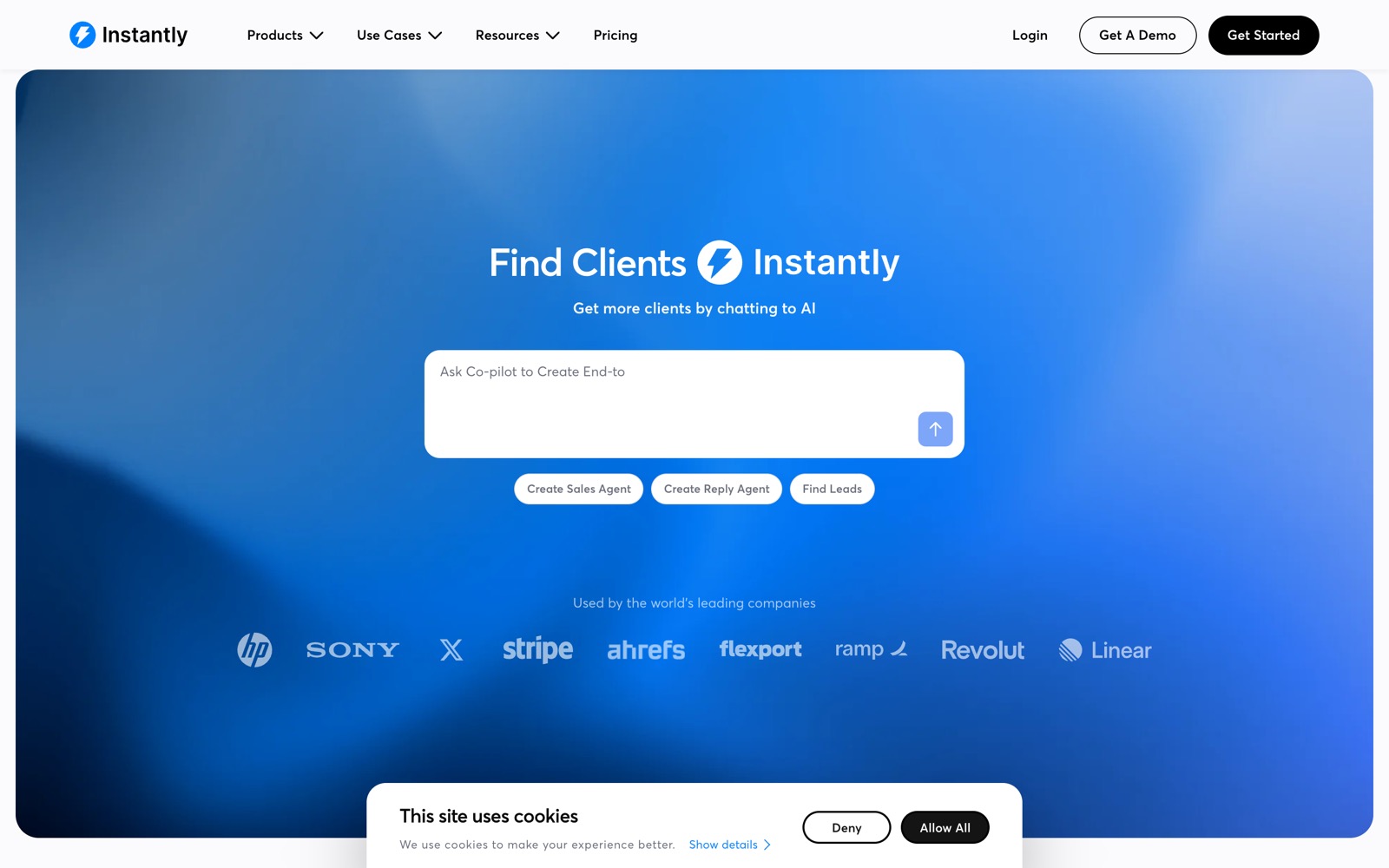
Questions people also ask
Is Instantly's included warmup as good as MailReach's?
We do not know, and neither does anyone publishing a comparison table about it. There is no shared, reproducible measurement of warmup quality across vendors, so any ranking you read on that dimension is an assertion. What can be compared is documented and public: scope, what you connect, what is included, and price per unit. That is what this page compares.
I already pay for a sending platform. Does Instantly still make sense?
Usually not, if warmup is the only thing you want from it. You would be paying for a second sending platform to use one bundled feature, and running two platforms against the same mailboxes adds a variable you will later have to explain. A per mailbox warmup tool leaves your sending stack alone.
At how many mailboxes does Instantly become cheaper?
On the advertised monthly rates read on , MailReach passes the Instantly Growth plan price between two and three mailboxes. That crossover only means something if you want the sending platform as well, and it ignores the test credits that come with each MailReach mailbox. Confirm current amounts on each official pricing page before you budget.
Can I run both during a switch?
You can, and there is one good reason to: you do not want a gap in warming while you migrate. But running both on the same mailbox at the same time makes any reading from that period uninterpretable, so keep the overlap short, write down the dates, and do not compare a before and an after across it. The sequence is set out in the switching workflow.